🎓 RCC Design Course – Excel + Manual Design
(Learn RCC Design Fundamentals Step by Step)
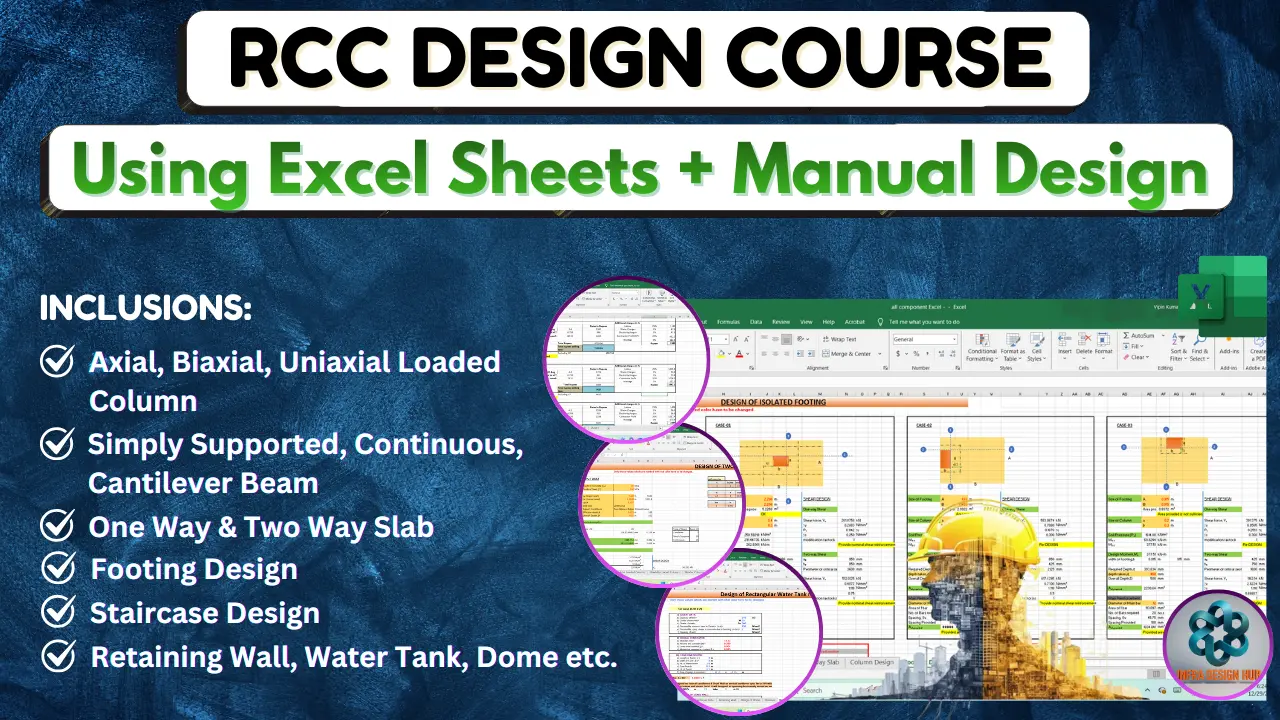
The RCC Design Course – Excel + Manual Design is a fundamentals-focused learning program designed for civil engineering students and beginners who want to understand how RCC members are actually designed, not just how software gives results.
This course helps you build strong conceptual clarity by first explaining manual RCC design logic as per IS Codes, and then showing how the same logic is applied using Excel sheets.
It is ideal for learners who want to understand design basics, verify results, and prepare for interviews or further structural software courses.
🔹 Tools & Standards Covered
✔️ Excel Sheets (Design & checking format)
✔️ Manual Calculations (Hand design approach)
✔️ IS 456:2000
✔️ IS 875 (Loads)
✔️ RCC Detailing Principles (Conceptual)
🔹 Excel Sheets Includes
- Beam Design (Simply Supported Beam & Continuous Beam)
- Cantilever Beam
- STAAD Moment Check
- One Way Slab & Two Way Slab
- Axial, Biaxial Loaded Column
- Slender Column
- Footing Design
- Eccentric Footing Design
- Combined Footing
- Deflection Check
- L-Shaped Cantilever Retaining Wall
- Reverse L-Shape Cantilever Retaining Wall
- Retaining Wall
- Design of Dome
- Staircase
- Rectangular Water Tank
❓ FAQs
Q1. Is this course suitable for beginners?
👉 Yes, this course is specially designed for beginners and starts from basics.
Q2. Do I need prior software knowledge?
👉 No, the course focuses on manual design and Excel basics, not software.
Q3. Will this course help in interviews?
👉 Yes, strong RCC fundamentals are very important for technical interviews.
📥 Enroll Now – Learn RCC Design Using Manual Calculations & Excel Sheets and build strong structural fundamentals with Infra Skill Hub.
🔹 Course Details
Call Now and Book your seat :- +91 8433186407
Limited Seats Available !



Reviews
There are no reviews yet.